
How it works
One minute inside the workspace.
You already know what your child needs. Endeavy puts your state’s deadlines and your own letters behind it, so you walk into every meeting ready to lead.
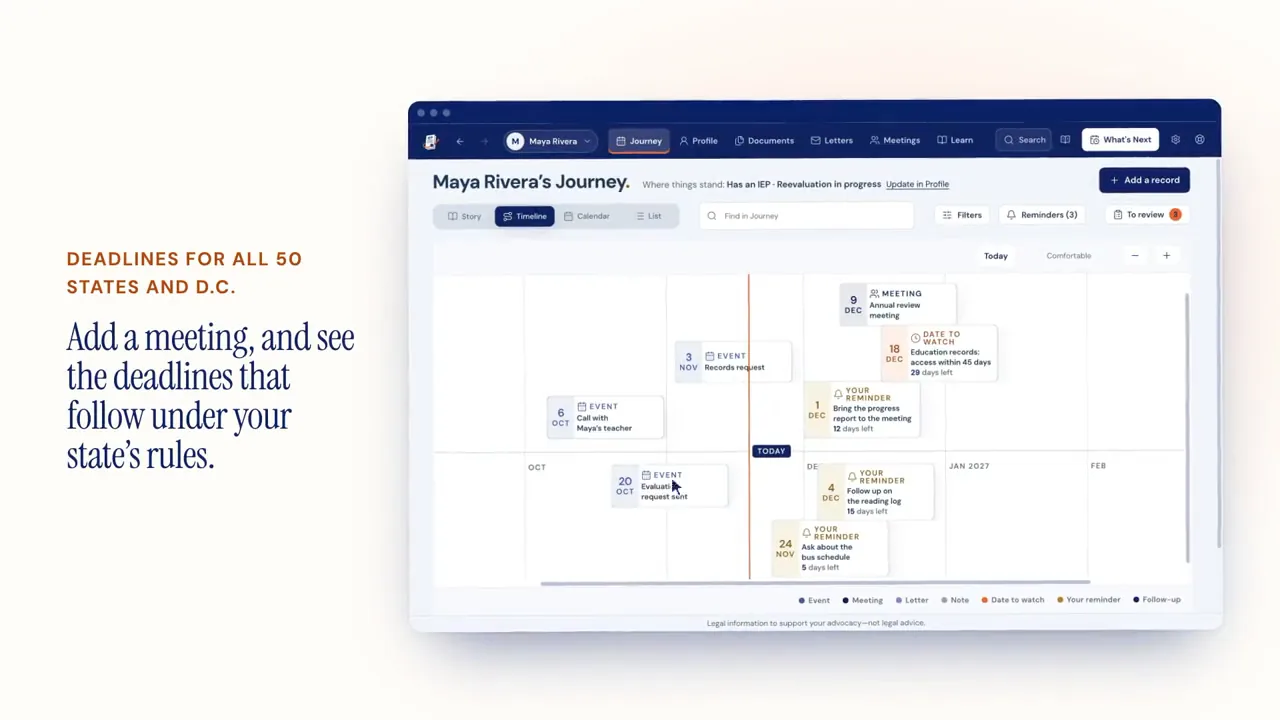
A one-minute walkthrough narrated by Joe Fiore. A parent prepares with the app, deadlines, letters and a meeting Game Plan, then makes her point at the IEP meeting. The student, Maya, is fictional.
The road to the meeting
That point didn’t come out of nowhere.
01Learn
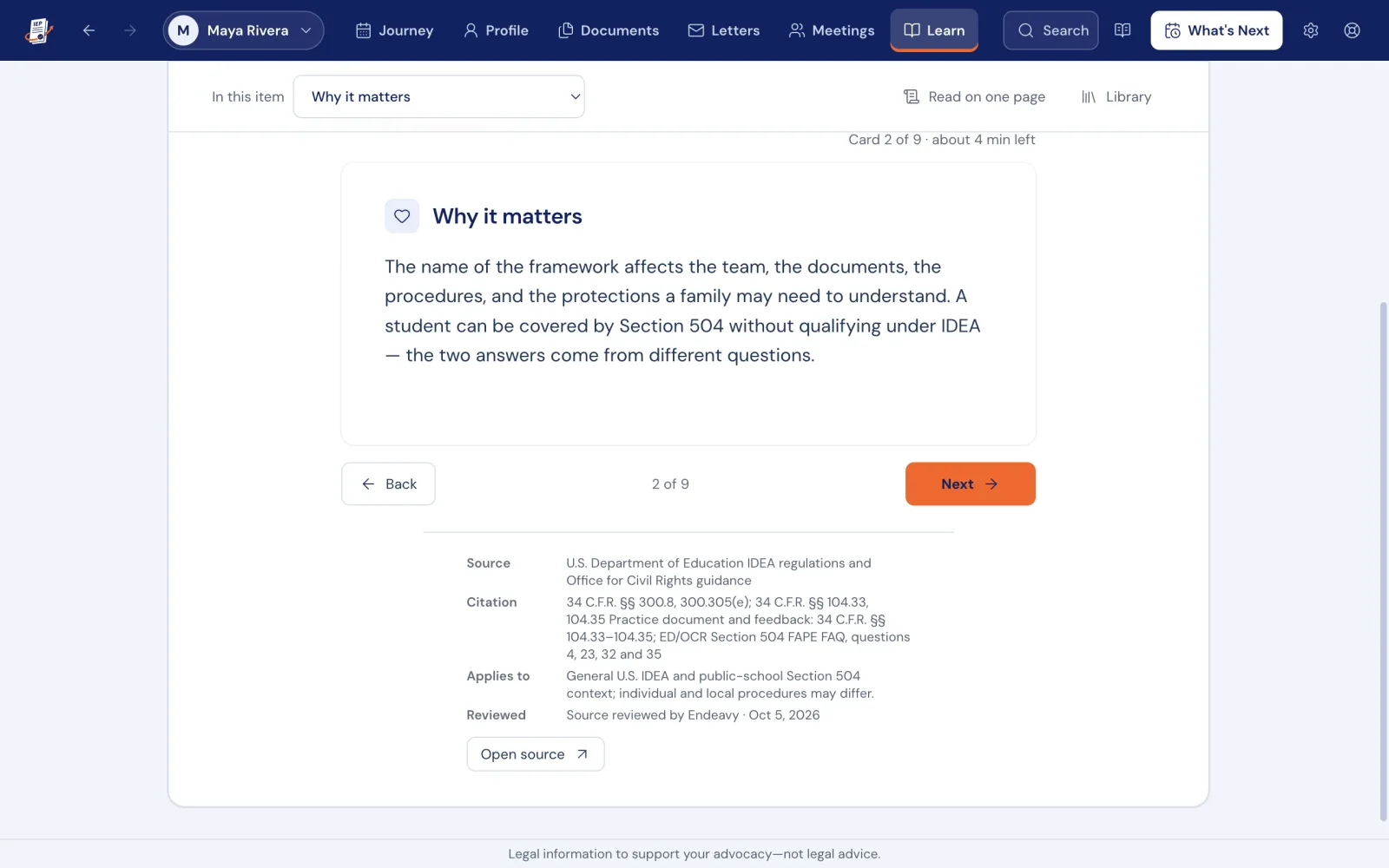
Learn the process at your own pace
When someone says “prior written notice,” you already know what it means and why you want it.
02Track
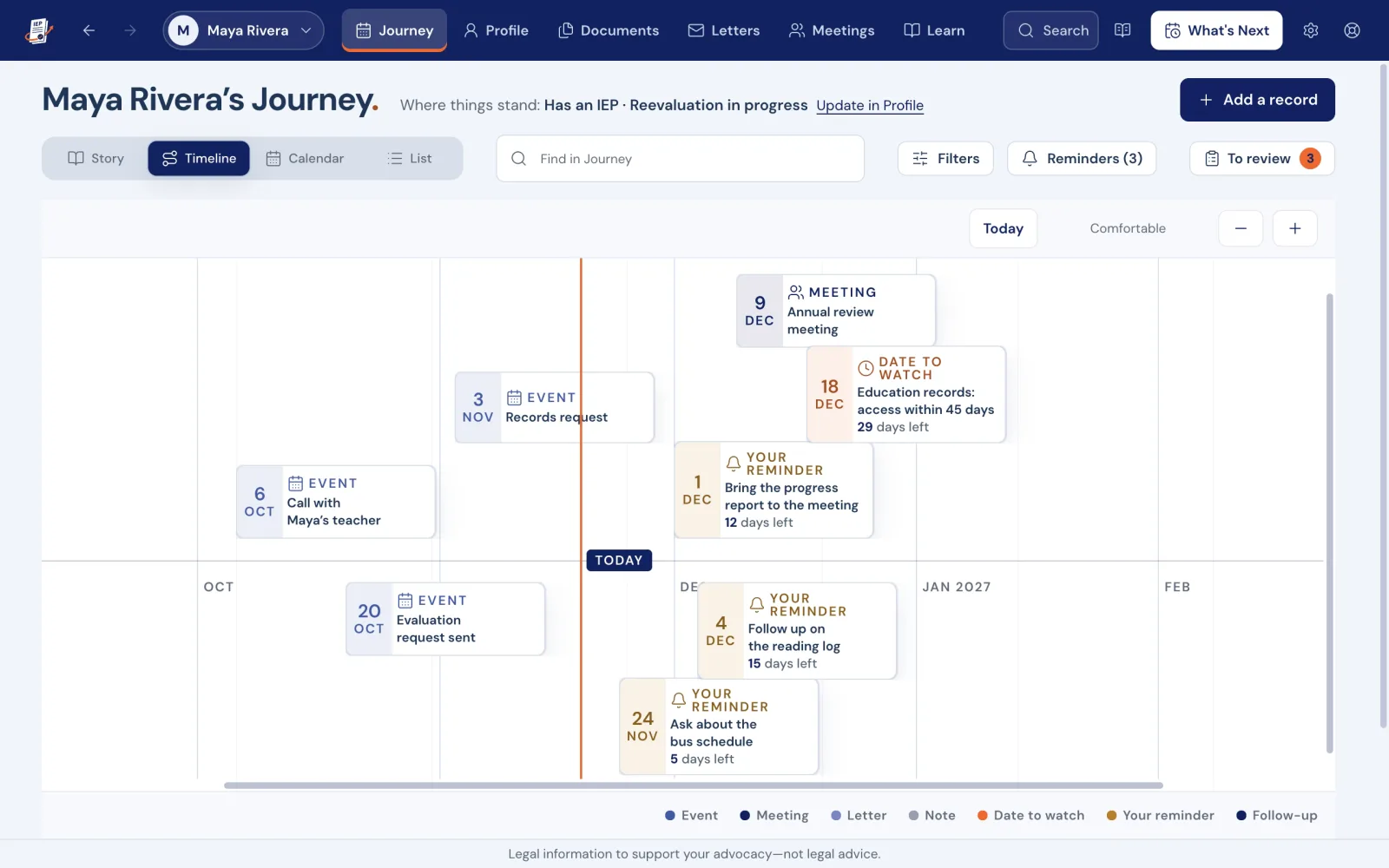
Stay a step ahead of every deadline
Add the meeting, and Endeavy lays out the dates your state’s rules set after it. “We’re still working on it” now has a date next to it.
03Write
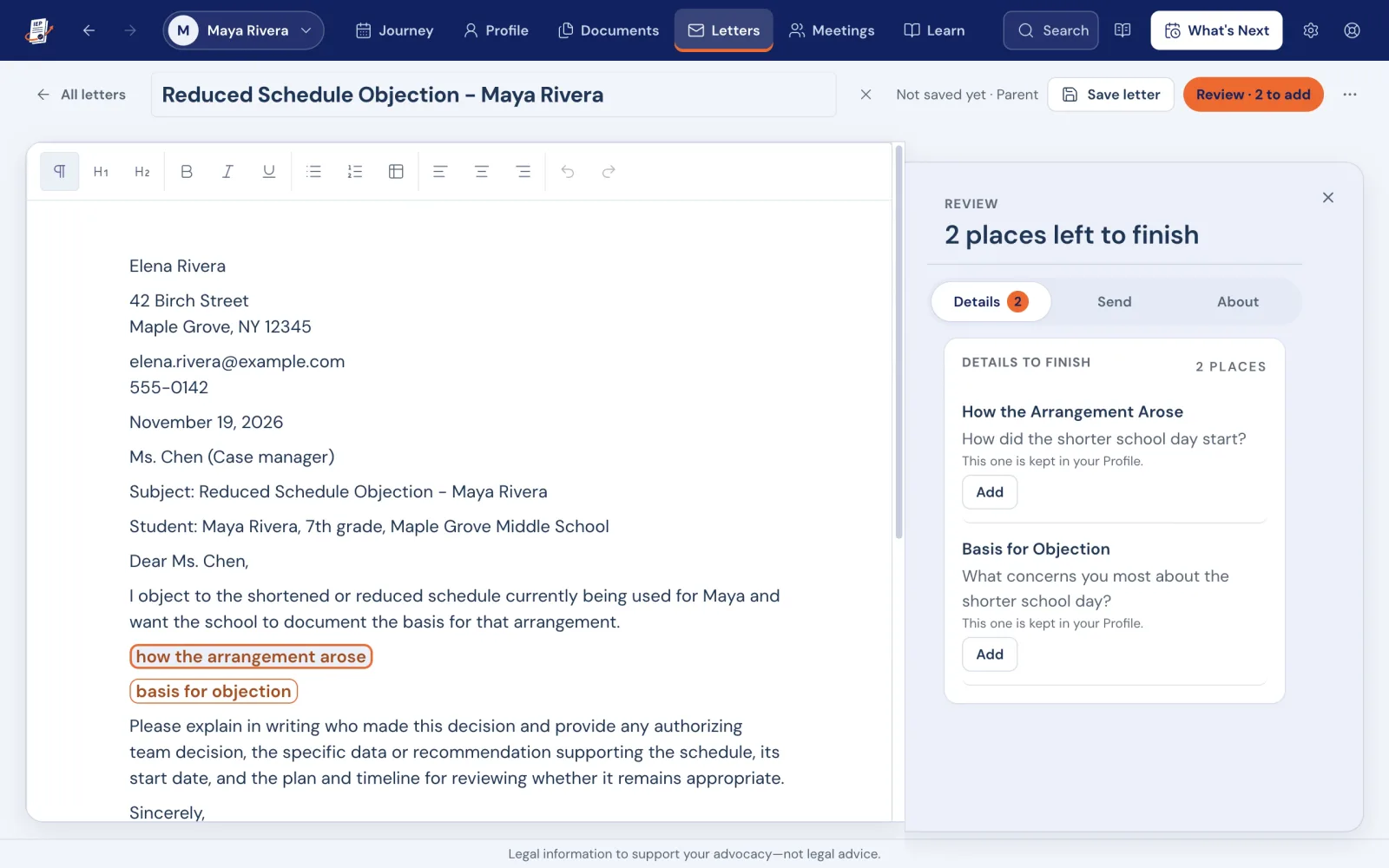
Put it in writing, in your own words
350+ templates fill in your child’s details and still sound like you.
04Plan
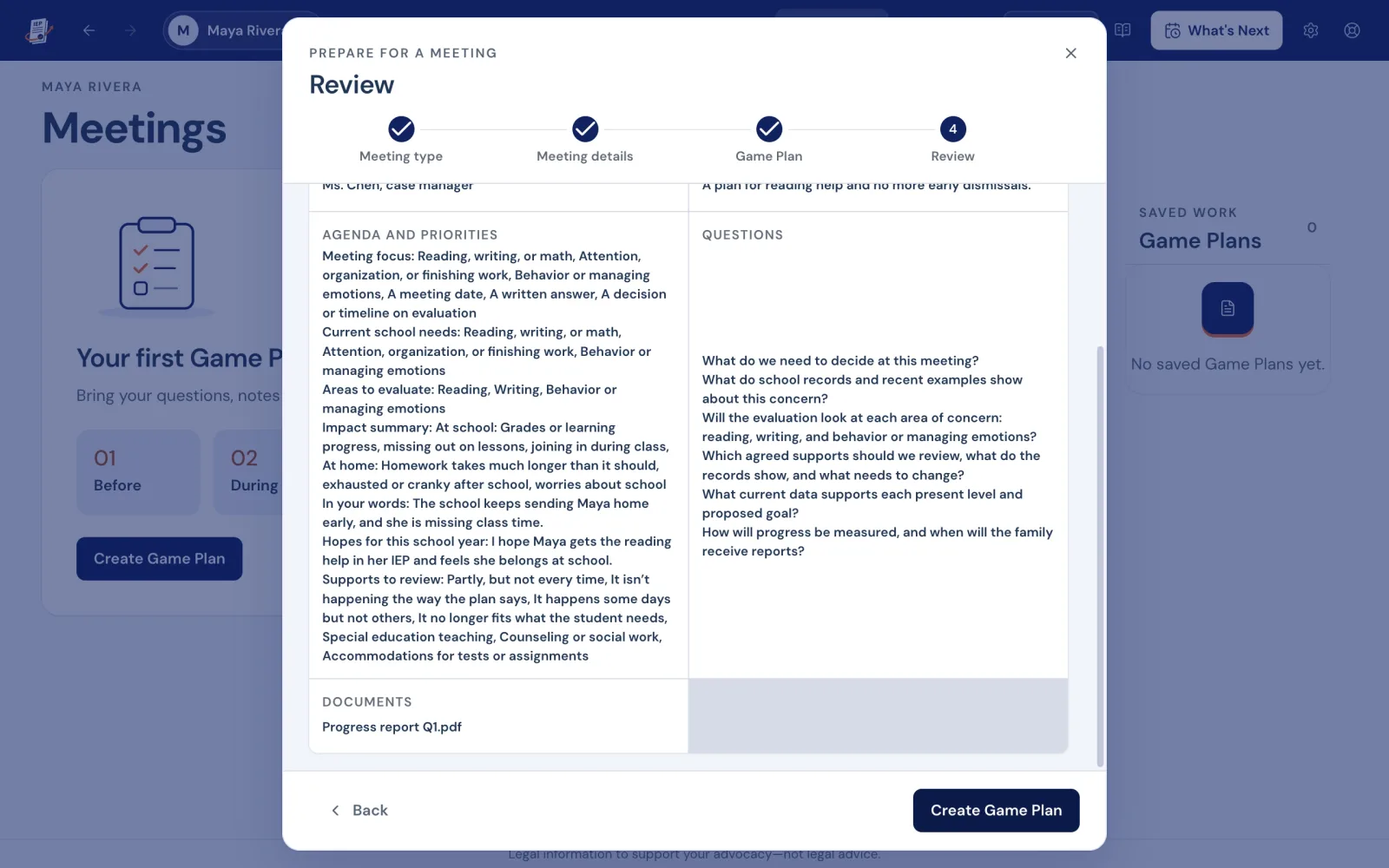
Lead the meeting with a Game Plan
Your questions are already on the page, each with the document that backs it up.
Tool by tool
Every tool, in under a minute.
- 01Guided SurveyThe fifth form this year.
- 02Journey“We’ll get back to you.” When?
- 03Reminders“We’ll look into it.”
- 04LettersYou know what you want to say.
- 05Use thisYou already said it once.
- 06Game PlanThe parking-lot question.
- 07Game Plan follow-up“So we’re agreed?”
- 08Learn“We can do a 504.”
- 09GlossaryEveryone nods.
- 10DocumentsThe email from March.
Not yet released
I’m looking for ten parents to try it first.
Endeavy Special Education is built and working. Before it’s released, I want ten parents to use it and tell me what works. If you’d like one of those spots, save yours here.
Have a meeting coming up? Start with a free plan. Make a free meeting plan